Managing Your Profile and Organization Settings
To get the most out of the Evolvv business management platform, it is essential to keep your profile and organization details up to date. These settings ensure your invoices display the correct business information and that your team has the right access levels.
To access these settings, click on your profile avatar in the top right corner of the dashboard and select Profile Settings.
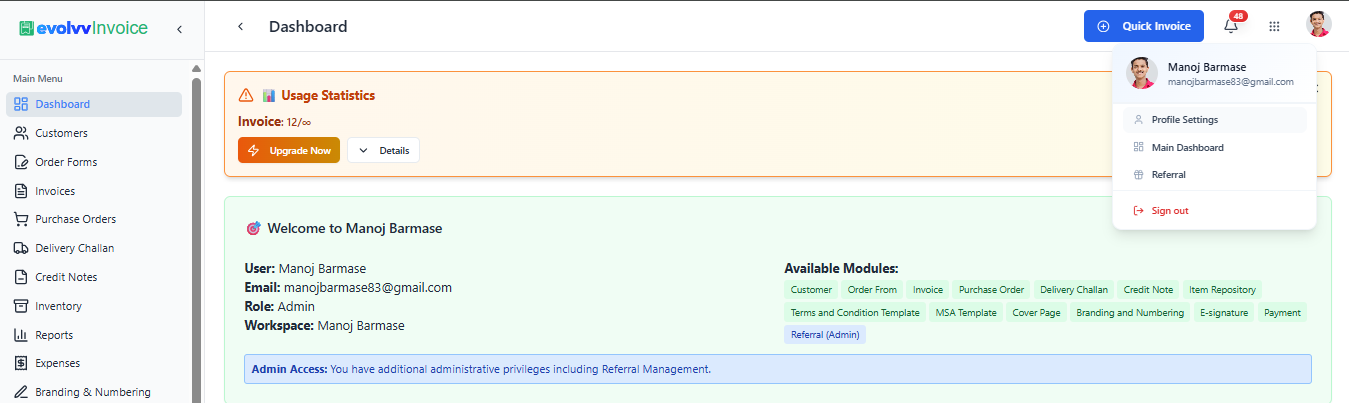
The Profile dashboard is divided into four main tabs. Here is how to configure each one:
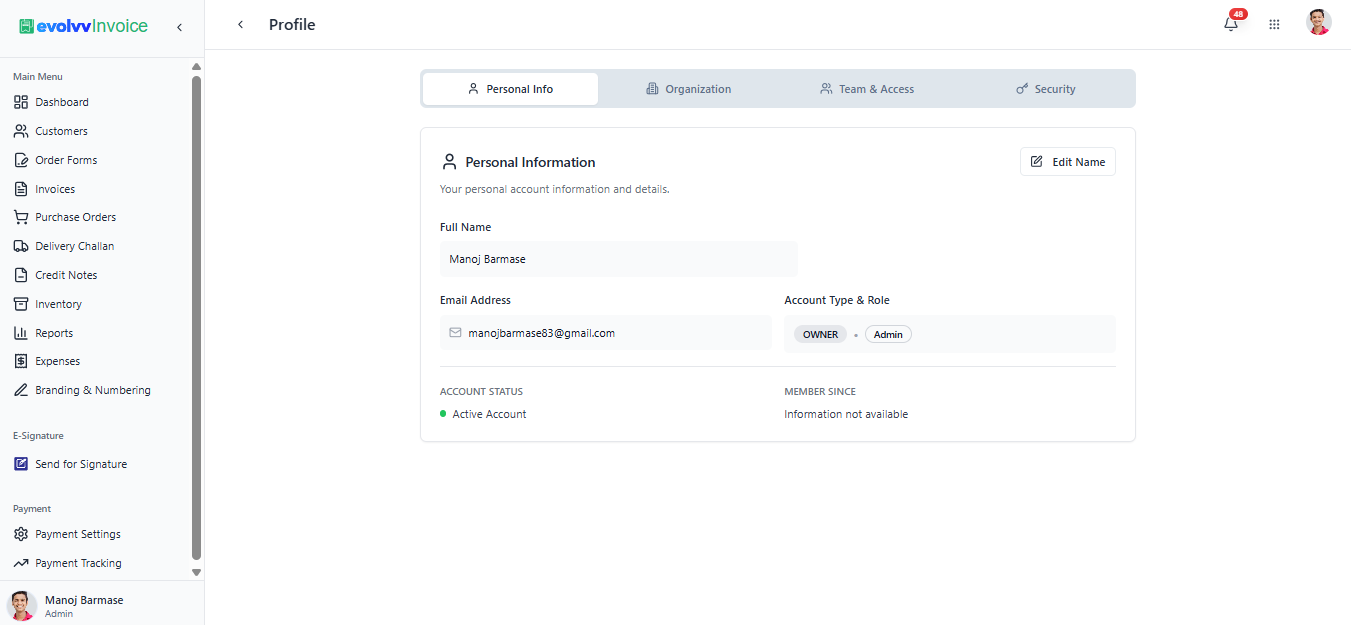
1. Personal Info
This section holds your core user identity.
- Details: View and edit your Full Name. You will also see your registered Email Address and your Account Type & Role (e.g., OWNER / Admin).
- Account Status: Confirm that your account is active and verified.
2. Organization (Crucial for Invoicing)
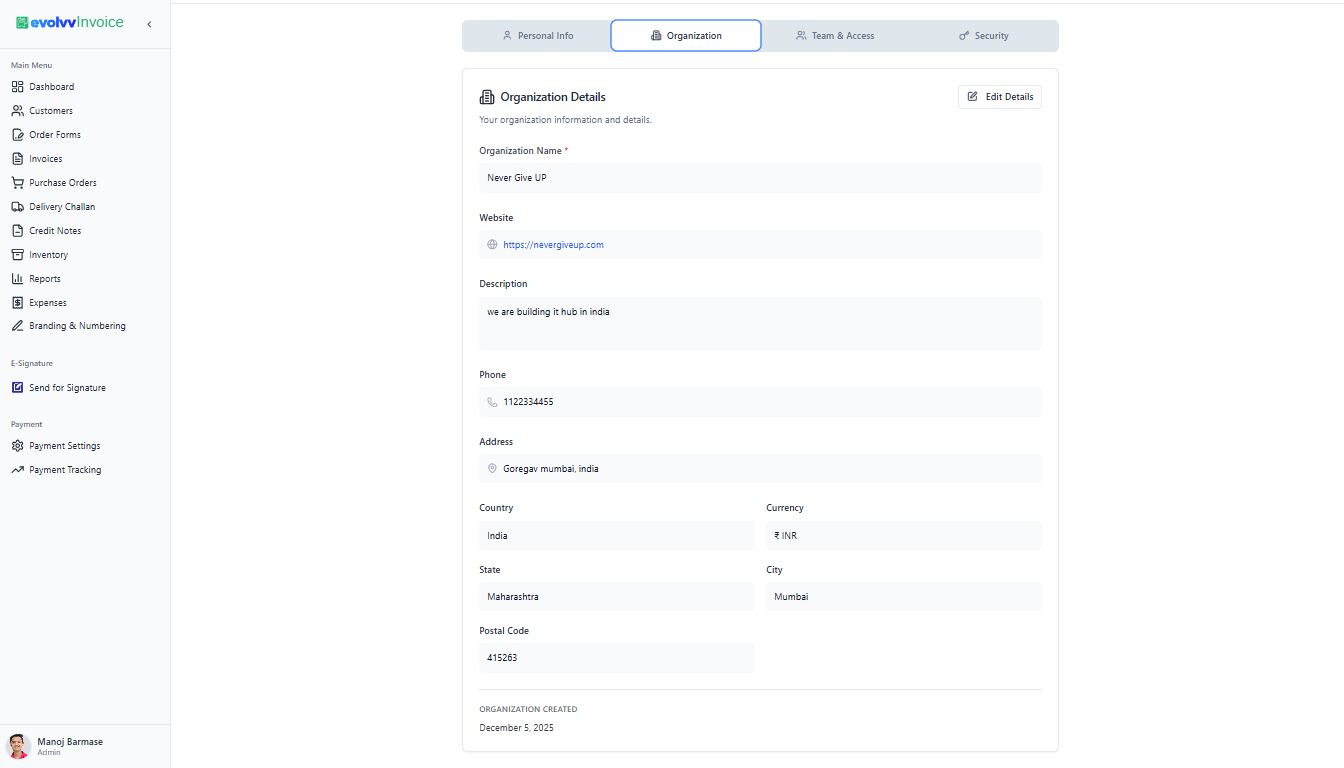
The details entered in the Organization tab are directly tied to your billing and document generation.
- Business Details: Add your Organization Name, Website, and a brief Description.
- Localization & Contact: Set your official business Phone number, Address, Country, and most importantly, your default Currency (e.g., INR, USD).
- Note: Ensuring this section is accurate is critical, as this data populates the sender details on your generated invoices and proposals.
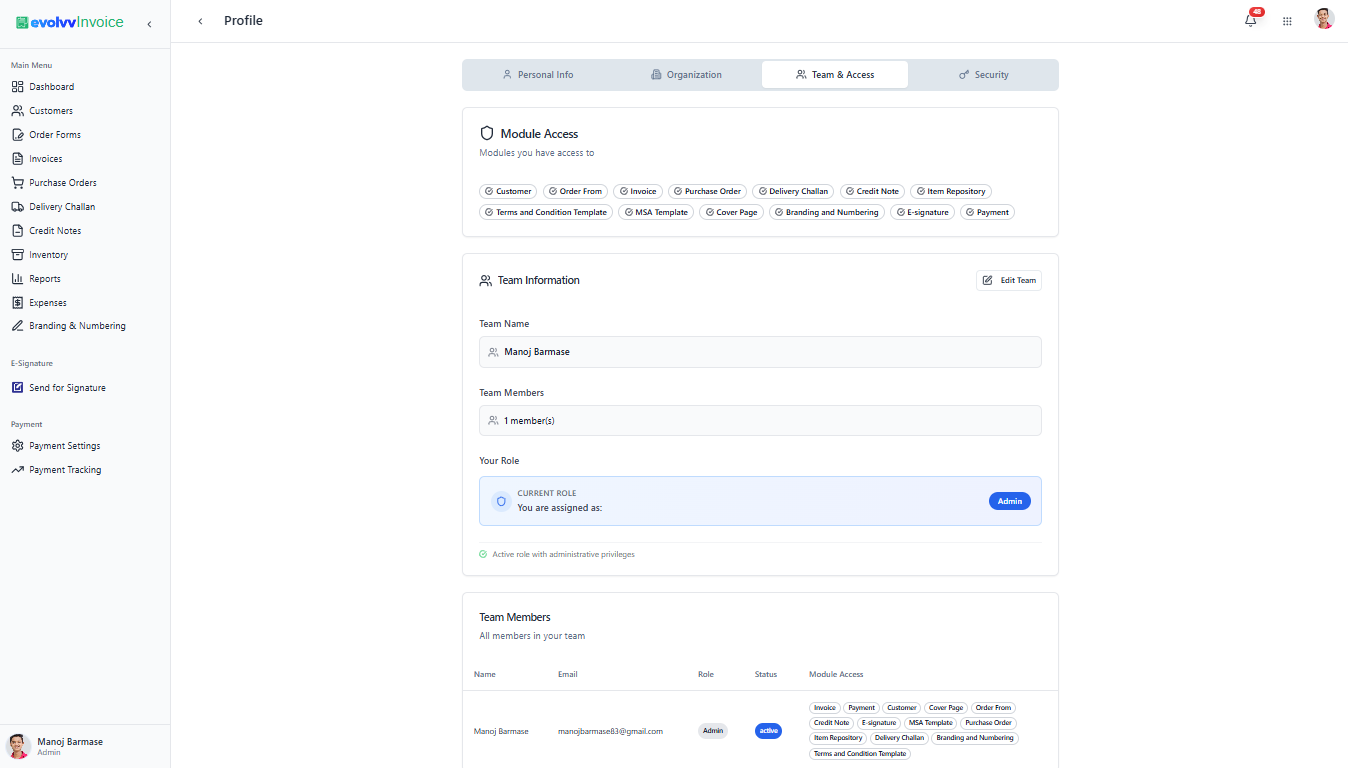
3. Team & Access
Evolvv allows for precise role-based access control. The Team & Access tab gives you a bird's-eye view of your workspace's permissions.
- Module Access: A visual breakdown of every Evolvv module (Invoice, Purchase Order, Delivery Challan, etc.) you currently have access to.
- Team Information: View your team name, the total number of members, and your specific role within that team.
- Team Members Directory: A list of all invited users, their status (active/pending), and the specific modules they are authorized to use.
4. Security
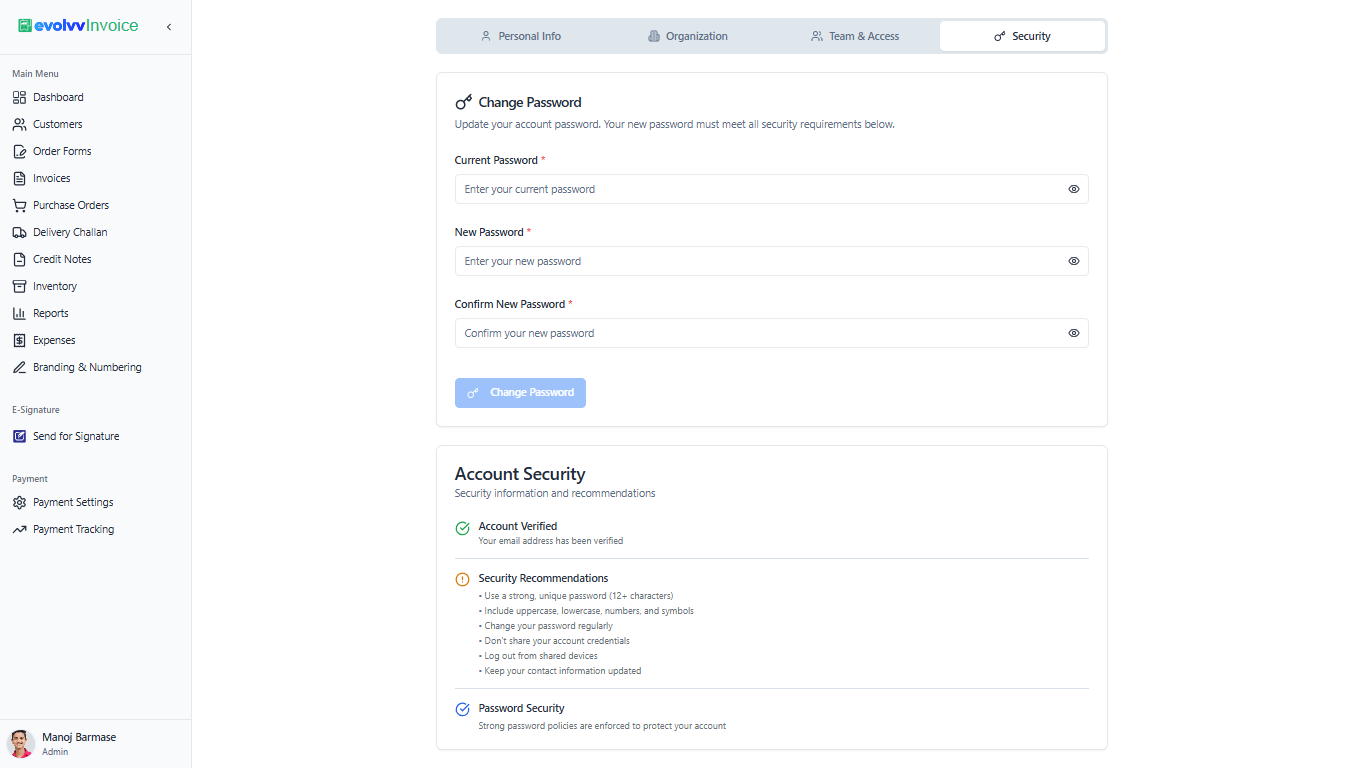
Keeping your business data safe is our top priority. Use the Security tab to maintain strict account hygiene.
- Change Password: Update your password at any time. We enforce strong password policies for your protection.
- Account Security: Review our security recommendations, such as using a 12+ character password containing uppercase, lowercase, numbers, and symbols.